
Free pin studio
Free Pinterest Pin Generator
The free Pinterest pin generator that turns a photo and headline into a finished 1000 × 1500 pin in minutes. Six templates, no design app, no sign-up.
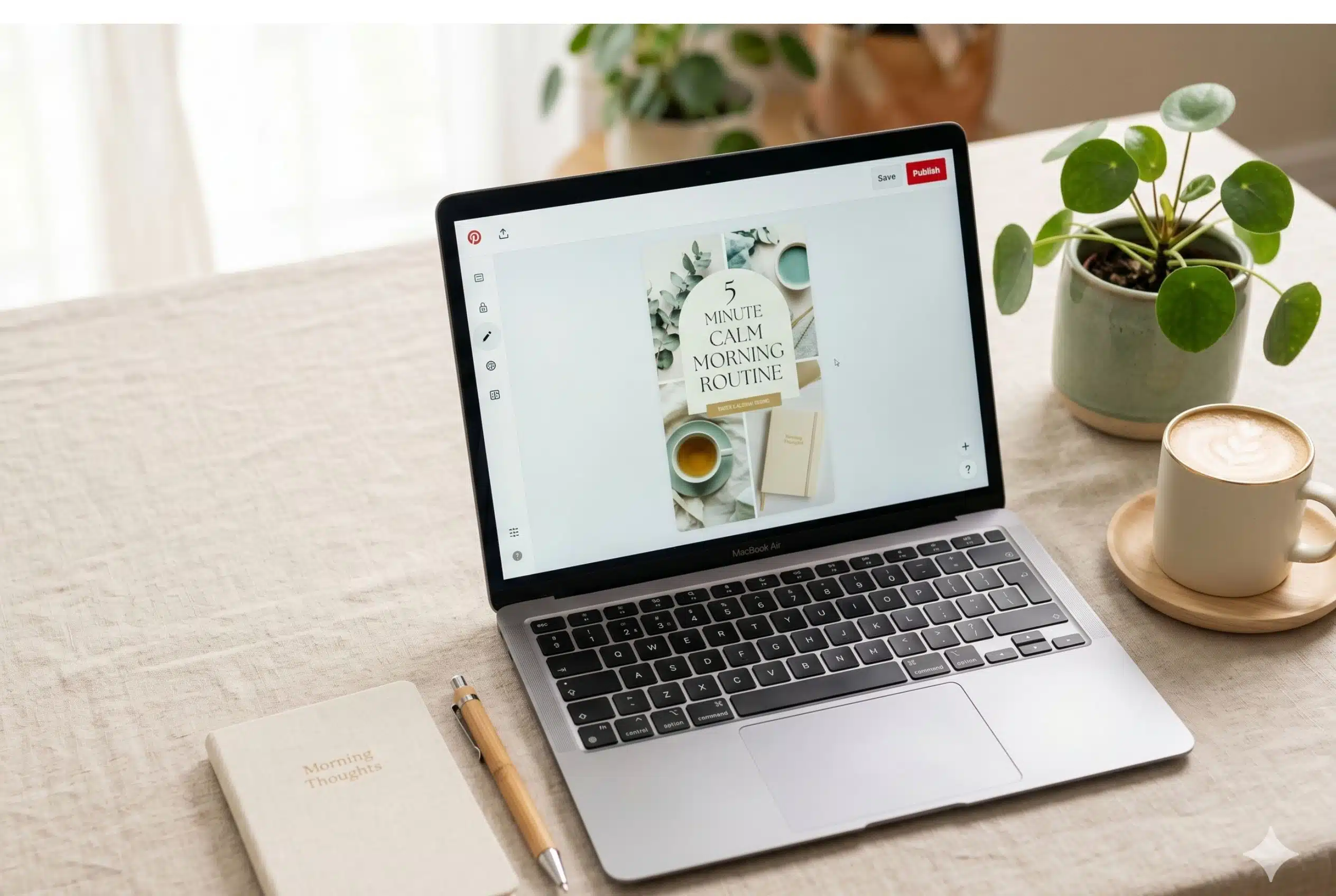
Make a Pinterest pin that gets clicks
This free Pinterest pin generator turns a photo and a headline into a finished, click-ready pin at the exact 1000 × 1500 size Pinterest favours. Upload your image, choose one of six templates, edit the text, colours, and font, then download a full-resolution PNG. No sign-up, no watermark, and your image never leaves your browser.
It is made for bloggers, coaches, and shop owners who want consistent, on-brand pins without learning a design tool. A live preview shows the pin exactly as it will export, and your settings are saved so a refresh never loses your work.
How to make a Pinterest pin
- Upload your photo. Drag in an image and use the crop adjuster to frame it for the 2:3 pin.
- Pick a template. Choose from six layouts; your text and image carry across as you switch.
- Write your headline. Add a hook, an optional accent line, and your brand URL.
- Style it. Set the font, size, alignment, colours, and band opacity, and drag the text where you want it.
- Download. Export a 1000 × 1500 PNG ready to upload to Pinterest.
What size should a Pinterest pin be?
Pinterest recommends a 2:3 aspect ratio, and 1000 × 1500 pixels is the sweet spot. Taller pins take up more space in the feed and tend to perform better, while very long pins can get truncated. This generator exports 1000 × 1500 every time, so your pins are always sized correctly.
Tips for pins that perform
- Put a clear, benefit-driven headline on the pin itself. Most people skim with the sound and captions off.
- Use a readable font and high contrast between the text and the photo.
- Keep headlines to about 3 to 7 words, under 60 characters.
- Add your URL or brand name so saved pins still point back to you.
- Make a few versions of the same pin with different templates to test what works.
Frequently asked questions
Is the Pinterest pin generator free?
Yes. It is completely free, with no sign-up and no watermark. Make and download as many pins as you like.
What size are the pins?
Every pin exports at 1000 by 1500 pixels, the 2:3 ratio Pinterest recommends, at full resolution.
Can I use my own photo?
Yes. Upload any image and use the crop adjuster to position it. Your photo is processed in your browser and never uploaded to a server.
How many templates are there?
Six: Soft Card, Bold Overlay, Color Blocks, Bottom Bar, Top Banner, and Framed. Your text and image carry over when you switch templates.
Can I change fonts and colours?
Yes. Choose from eight curated fonts, a pastel and brand colour palette or a custom colour, adjust text size and alignment, and set band opacity so the photo shows through.
Do I need a Pinterest account or a design app?
No. The tool runs entirely in your browser. You only need a Pinterest account when you are ready to upload the finished pin.
Will my work be saved?
Your text, colour, and layout settings are saved in your browser, so a refresh will not lose them. Your uploaded image is not stored.
How do I save the pin on my phone?
Tap Save pin. On mobile the finished pin appears so you can press and hold it and choose Save image, or use the share sheet.